Downloads fail for boring reasons: weak signal, almost-full storage, interrupted background data, old cache, or a file that got damaged halfway through. The good news is that you can usually narrow the problem down without installing risky cleaners or deleting every game on the phone.
If you are helping someone with an older phone, take screenshots before changing major settings. It makes it easier to undo a mistake and helps you remember which app or folder was using the most space.
Check app store and browser settings
Google Play, third-party stores, and browsers each have their own download behavior. Google Play may wait for Wi-Fi, pause on low battery, or require account verification. Browsers may ask for storage permission or fail if the download location is unavailable. If a browser download fails repeatedly, try changing the download folder, clearing browser cache, or using a different trusted browser. Avoid download managers that inject ads or request unrelated permissions. A simpler download path is often more reliable.
Be careful with SD cards
Moving games to an SD card can help some phones, but it is not always ideal. Many modern games do not support full movement, and slower SD cards can increase loading times. If Android allows moving part of the app, use a reliable card from a known brand and keep the phone charged during the move. Do not remove the card while a game is updating or running. If a game starts crashing after being moved, move it back to internal storage and test again. Internal storage is usually faster and safer for heavy games.
Remove old game resources inside the game
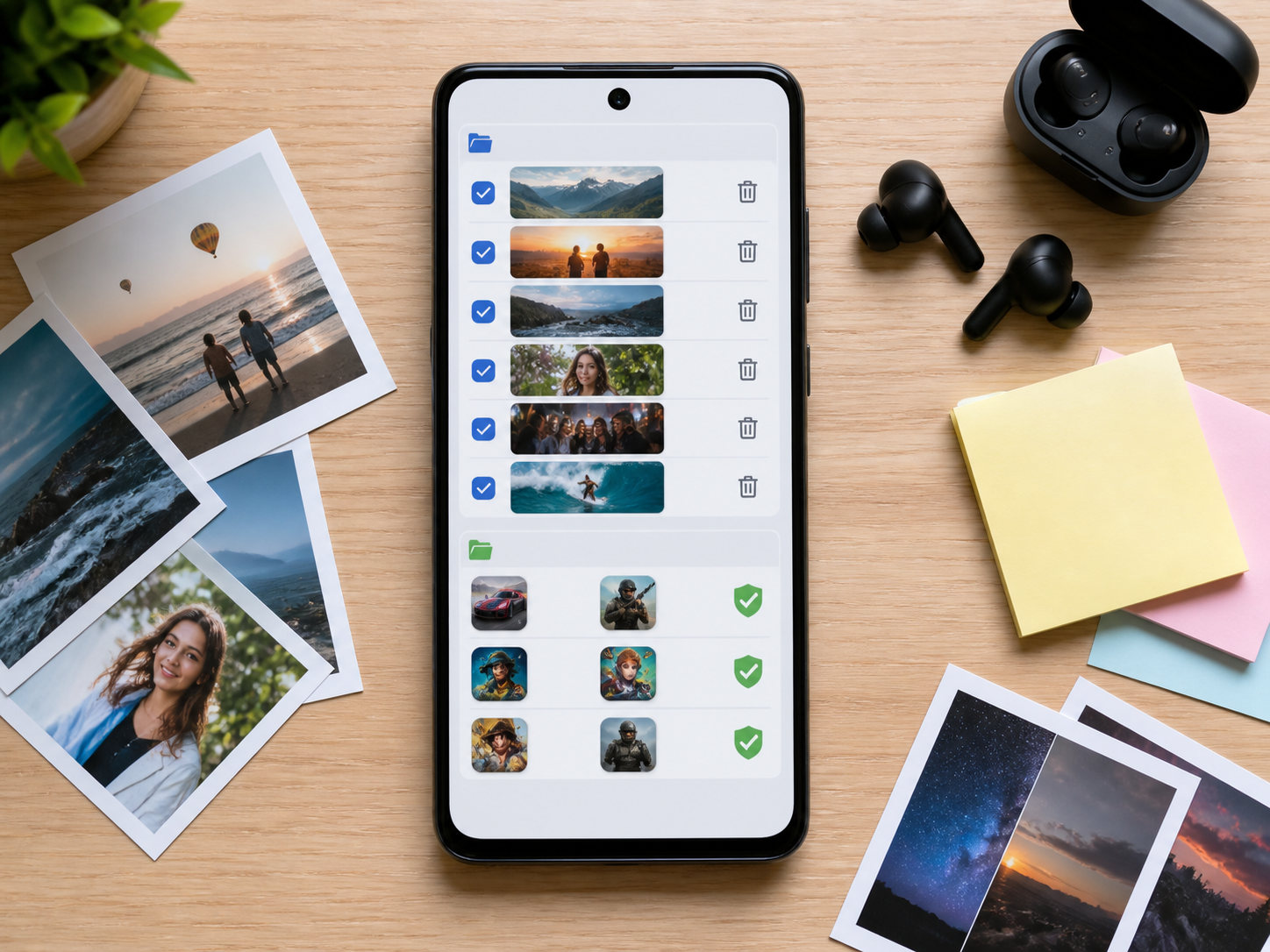
Some games let you delete unused voice packs, maps, high-resolution textures, or replay files from inside the settings menu. That is safer than deleting folders manually because the game knows which files can be rebuilt. Look for options like resource management, downloaded content, language packs, or clear temporary files. If you play only one region or mode, you may not need every extra asset. Just remember that deleting resources can trigger a re-download later if you open that mode again.
Fix stuck downloads without starting over too soon
When a download is stuck at 99 percent, it may be verifying files, unpacking data, or waiting for storage. Give it a little time before canceling. If it stays stuck, restart the phone, check free space, and try again from the same official source. Canceling repeatedly can leave partial files behind, which then take more space. If the store has a clear cache option, use that before deleting the whole game. Starting over is sometimes necessary, but it should not be the first move.
Watch system and app data growth
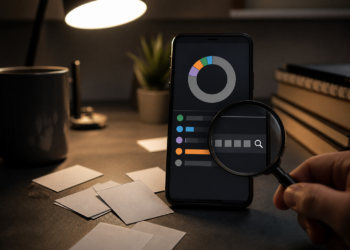
Android storage can disappear into system data, messaging media, browser cache, short videos, and game resources. If the storage screen shows a large Apps section, open it and sort by size. You may find a social app, video app, or browser using more space than your games. If System takes a lot of room after an update, restart the phone and wait a day before judging it. Some temporary update files are cleaned automatically. If they remain, check your phone brand’s storage tools for safe cleanup options.
Prepare before installing a large game
Before installing a large game, charge the phone, connect to stable Wi-Fi, free more storage than the listed size, and close heavy apps. If the game downloads extra resources after launch, keep the game open until the first setup finishes. Do not start a screen recorder or switch between many apps during unpacking. This first setup is when many files are created and verified. A clean install session reduces the chance of missing data, broken resources, or repeated downloads.
Check real free space, not just the game size
A 2 GB game may need much more than 2 GB during installation. Android often downloads a package, unpacks it, writes temporary files, then downloads extra resources after the first launch. If your phone has only a little more free space than the listed game size, the install can fail near the end. Try to keep at least double the listed size free for large games. For very big titles, a few extra gigabytes makes the first launch smoother and reduces the chance of a stuck resource download.
Bottom line
Once your phone has enough room and a reliable download path, games install and update with far fewer surprises. Make storage cleanup a small habit instead of an emergency every time a new game arrives.
For kids’ phones or shared devices, review messaging apps and short video apps regularly. They can fill storage with automatic media downloads faster than games do.
After cleanup, restart the phone once and check storage again. Some apps do not release temporary files until they close fully, and a restart gives Android a chance to settle before the next large download.